
The daily rhythm of modern legal practice often feels like a race against time. Between studying complex rules and writing important papers, legal professionals find their most valuable asset: time, lost to office chores. Perhaps the most frustrating part is the constant check-ins.
When staff avoid repeated internal follow-ups, they are not just saving a few minutes. They are regaining the brainpower needed for high-level legal work.
In the past, knowing where a file stood meant walking down the hall or sending many emails. Today, using workflow automation software has changed these manual steps into a smooth digital flow. By putting all talk and task updates in one place, firms can stop worrying about checking in and focus on getting actual work done.
Transparency with Case Management Software
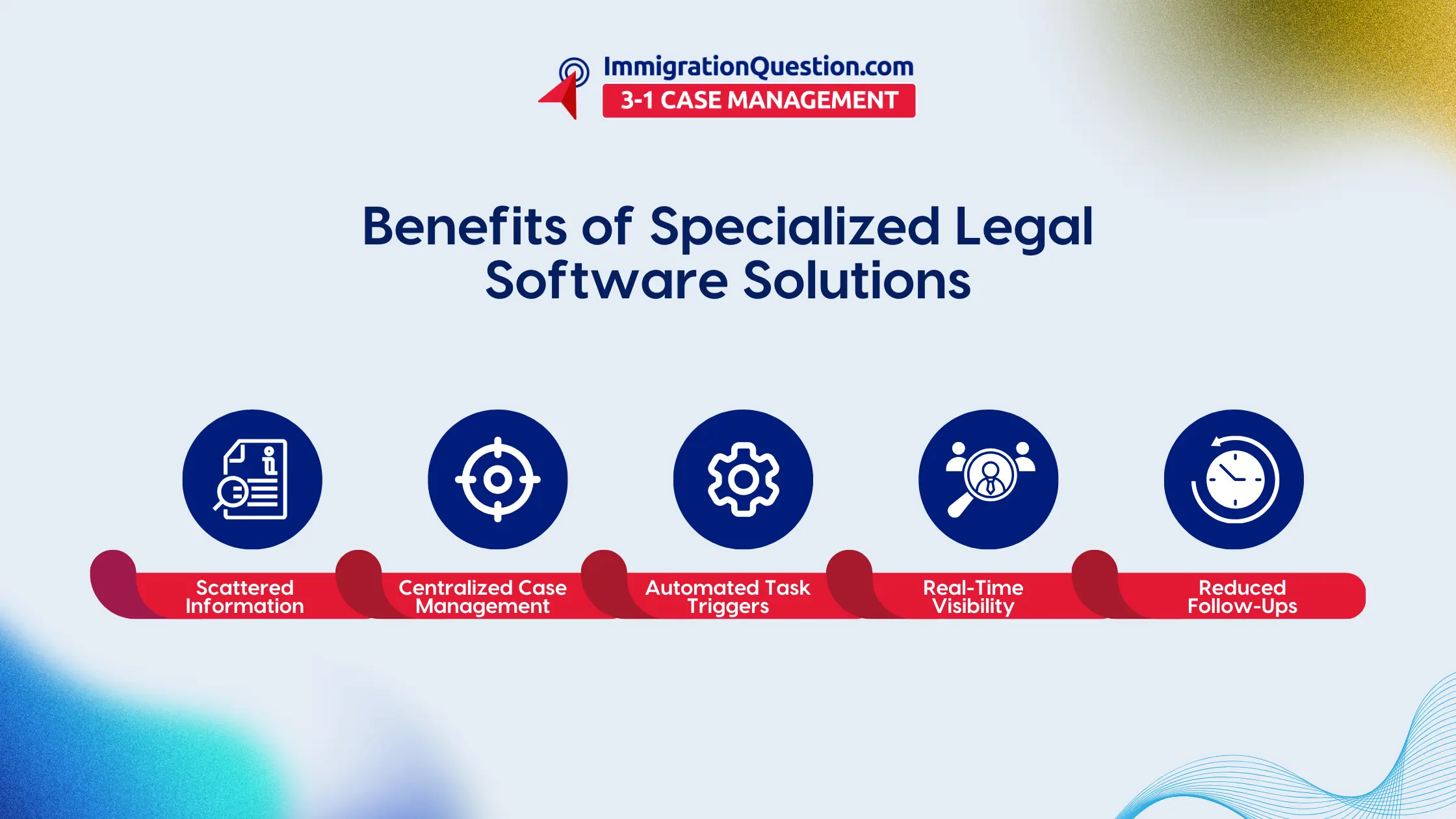
The main reason for constant pestering is that information is not organized. When one person has a document on their own computer, and another has an email in a private inbox, follow-ups are required. Case management software acts as a central spot that brings everything together.
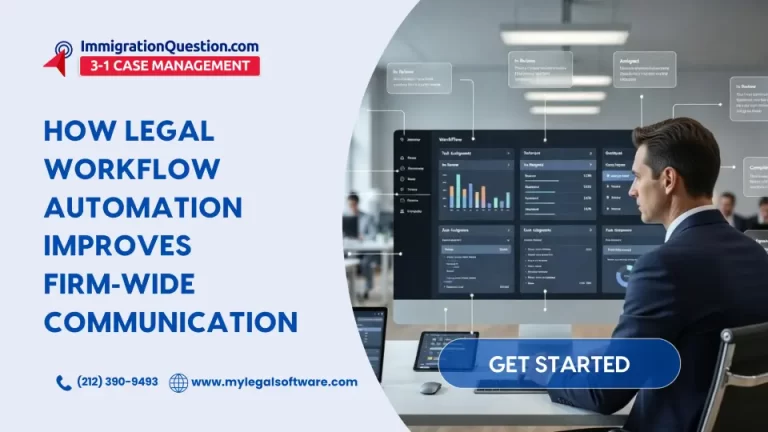
By using one system, everyone can see the real-time status of a case without calling anyone. This openness is helped by a few key features:
- Automatic dashboards that show the current stage of every active file.
- Central record logs that show every change, edit, and message.
- Real-time alerts that tell the right people the moment a goal is reached.
- Shared calendars that keep track of court dates and final filing dates for the whole team.
When information is easy to find, the need to ask “Where are we on this”? goes away. This change lets attorneys and staff stay focused because they know the data they need is always there in their legal management tools.
Fixing Steps Through Legal Process Automation
Beyond just being organized, real speed comes from legal process automation. This means taking boring, repetitive tasks and letting software do them. Instead of a manager reminding someone to file a paper, task management tools can send these reminders automatically.
Good legal tech solutions help work move faster. Consider this sequence:
- Automatic paths: Once a client signs a paper, the system can create a folder and give out the first tasks.
- Smart document moves: With document management systems, a draft can be sent to a partner for review as soon as it is done.
- Automatic alerts: If an important final filing date is approaching and a task is not completed, the software can notify the boss to keep the legal project on track.
This kind of law firm software makes sure the next step is always clear. You no longer need extra bosses or serious supervision just to make sure the work is getting done.
Better Accuracy with AI Legal Compliance Tools
Legal work needs to be perfect. This is why AI legal compliance tools are so important now. These systems do more than move files. They review the contents of the files to ensure everything complies with the rules and firm standards.
Modern legal management tools use smart tech to do fast checks that humans cannot do alone, such as:
- A quick check on new filings against the latest local rules.
- Spotting missing parts or wrong words in many contracts at once.
- Sorting through huge piles of evidence to find what matters quickly.
By letting a digital helper do these tech checks, firms lower the risk of mistakes and finish work much faster. The result is a stronger team that can do more work without losing quality.
Conclusion
Moving to an automated office is no longer just for big firms. It is a must for any firm that wants to do well. By reducing office noise and ensuring staff avoid unnecessary internal follow-ups, you create a place where attorneys can practice. Using legal project management and legal process automation does not just help with billable hours. It makes life better for the team.
To have a first-hand experience of all that has been spoken about in this guide, head to ImmigrationQuestion.com 3-1 Case Management, schedule a free demo session.

Frequently Asked Questions
1. How does workflow automation specifically help staff avoid repeated internal follow-ups?
Automation provides a clear view of how each task is progressing. When everyone can see that a paper has been written or sent, there is no need to send emails just to check in.
2. Is case management software hard for staff to learn?
Most law firm software is designed to be easy to use. Simple screens and easy paths make it good for everyone, from partners to assistants. Usually, one short training session is enough to learn the basics.
3. Can legal process automation help with client tasks?
Yes. It can handle sign-up forms, book meetings, and even send updates to clients about their case. This means less work for the front office staff.
4. What is the difference between document management systems and basic cloud storage?
Basic storage just holds files. A document management system designed for attorneys includes version tracking, special legal tags, and easy online signing.
5. Are AI legal compliance tools safe for private client info?
Good legal tech solutions put safety first by implementing strong security controls. Many smart tools operate in a private space, so your client’s data is never used to train public systems.