Clear, consistent communication is essential for legal teams managing complex matters across multiple departments. Attorneys, paralegals, billing staff, intake teams, and administrators all depend on coordinated information to keep cases moving. When communication breaks down, matters slow, errors multiply, and teams lose valuable time trying to reconnect fragmented updates.
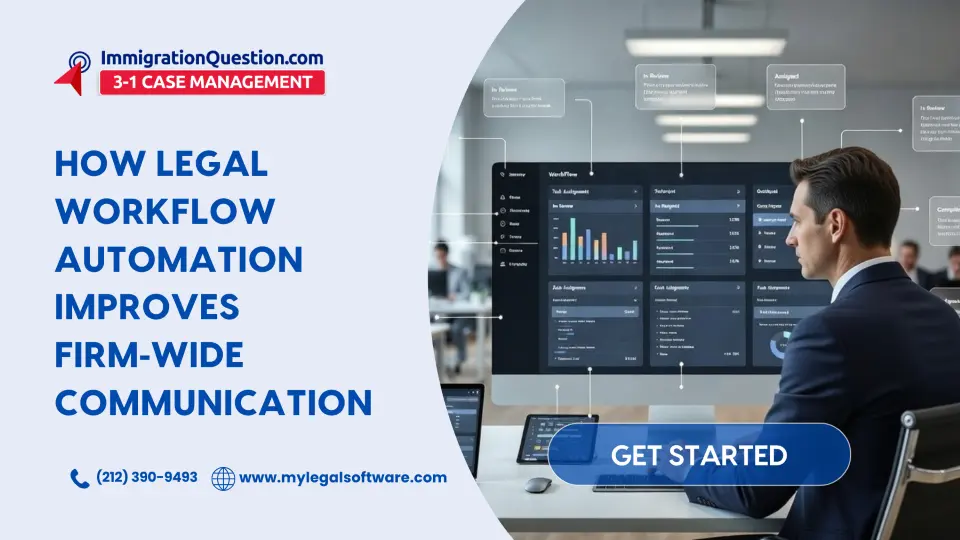
Legal workflow automation helps firms maintain predictable, structured communication. By organizing tasks, routing information, and standardizing communication steps, firms can ensure that communication remains consistent across departments. This leads to fewer delays, more informed decision making, and smoother collaboration across the entire practice.
This article explores how workflow automation strengthens firm‑wide communication and supports dependable, organized legal operations.
Why Communication Breaks Down in Legal Workflows
Legal work involves multiple steps, handoffs, and dependencies. Without structure, departments often struggle to maintain clear and consistent communication.
Common breakdowns include:
- Updates scattered across emails, chats, and shared drives
- Files stored inconsistently, leading to confusion or duplication
- Delays caused by unclear task ownership
- Departments working with different versions of the same documents
- Missed deadlines due to incomplete information
Workflow automation creates a reliable structure for communication, ensuring every department receives the information it needs at the right time.
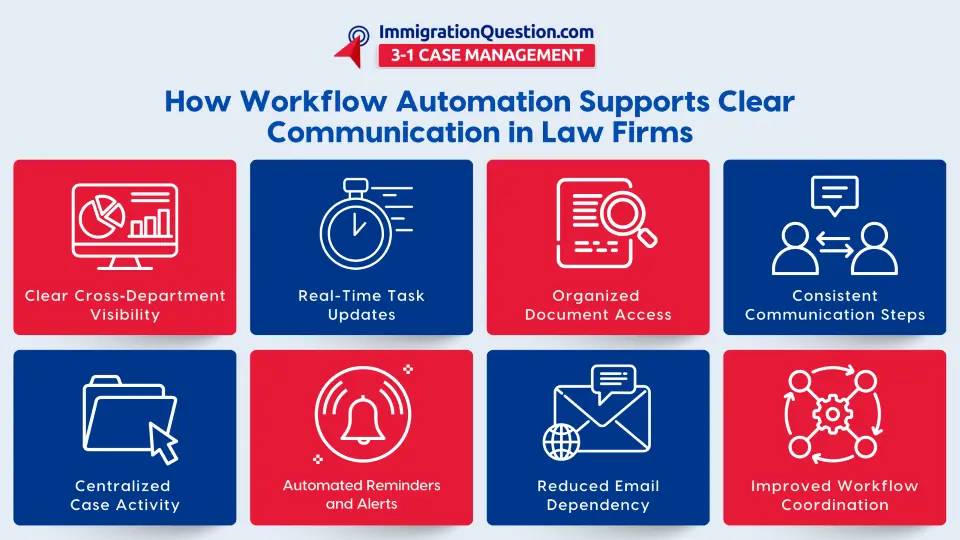
How Legal Workflow Automation Supports Clearer Communication
Workflow automation tools help move information through a firm systematically. Instead of relying on ad‑hoc updates, automated workflows guide teams step by step, documenting everything in a central location.
Legal workflow automation provides:
- Automated task routing
- Built‑in notifications for required actions
- Real-time progress visibility
- Central organization of tasks, documents, and notes
- Consistent communication patterns across departments
This reduces bottlenecks and ensures work continues smoothly, even as matters grow more complex.
The Role of Document Management Software in Communication Clarity
Document management software helps teams avoid the confusion that comes from scattered or inconsistent file storage. When digital files are structured properly, communication across teams improves naturally.
Key benefits include:
- Centralized, organized document storage
- Consistent naming conventions and folder structures
- Easy retrieval of the latest versions
- Clear access control for different departments
With well‑managed documents, teams spend less time searching and more time ensuring matters progress.
How Law Firm Software Improves Interdepartmental Collaboration
Modern law firm software consolidates calendars, tasks, communications, documents, and case data into one system. When departments rely on separate tools, communication gaps appear. Consolidation solves this by ensuring everyone works from the same information.
Law firm software supports collaboration by:
- Keeping all case information in a single platform
- Updating all stakeholders in real time
- Reducing back‑and‑forth messages
- Helping departments follow the same structured process
With fewer systems and clearer workflows, communication becomes more consistent across the firm.
Case Management Systems Strengthen Team Communication
Case management systems provide centralized views of deadlines, activities, documents, and communications. This helps reduce ambiguity and ensures that all departments know where a case stands.
Case management systems help:
- Track matter history and updates
- Log communication within the case file
- Connect each task to specific deadlines
- Improve clarity for both attorneys and staff
When everyone can see the same case information, misunderstandings decrease and communication becomes more reliable.
How Workflow Automation Tools Improve Timing and Accuracy
Workflow automation tools help firms maintain communication standards by triggering actions when needed. Automated reminders, assignments, and updates keep work moving forward.
These tools improve communication by:
- Ensuring steps happen in the correct order
- Sending alerts when deadlines or tasks need attention
- Providing predictable progress updates
- Reducing manual follow-ups
This structure keeps communication timely and accurate.
Legal Document Automation Enhances Communication Efficiency
Legal document automation reduces inconsistencies in drafted materials. When documents are generated using standardized templates, teams avoid confusion over missing sections or formatting variations.
It improves communication by:
- Creating predictable document output
- Ensuring all required information is included
- Supporting faster review cycles
- Reducing back‑and‑forth clarifications
Document automation strengthens collaboration between departments that depend on accurate drafting.
Law Practice Management Platforms Improve Coordination
Law practice management systems unify daily activities such as billing, scheduling, document storage, and task management. When these functions are centralized, teams communicate more efficiently and consistently.
These platforms support communication by:
- Giving everyone a unified view of firm activity
- Making updates visible without additional messaging
- Enabling smooth handoffs between departments
- Reducing tool switching
This promotes stable, long‑term communication patterns across the practice.
How ImmigrationQuestion.com 3‑in‑1 Case Management Supports Consistent Communication
ImmigrationQuestion.com 3-in-1 Case Management helps legal teams maintain consistent communication across departments by centralizing tasks, documents, case data, and updates in one place. When all teams work inside the same structured environment, information becomes easier to share, track, and retrieve, which reduces delays and keeps communication clear throughout the case lifecycle.
Unified Case Records That Reduce Information Gaps
The platform brings intake details, case notes, timelines, deadlines, and internal updates together inside a single matter file. This ensures that every team, regardless of department, is working from the same set of information.
Real-Time Updates That Keep Teams Aligned
Activity updates appear instantly as tasks are completed, documents are uploaded, or case information changes. Teams do not need follow-up emails to understand progress.
Organized Document Handling for Accurate Collaboration
Documents are stored in structured folders connected to their respective matters. This reduces confusion around file location, version control, and access.
Centralized Task Management That Improves Workflow Clarity
Tasks are assigned with clear descriptions and deadlines. This helps departments understand responsibilities without relying on scattered communication.
Clear Activity Trails for Transparency Across Departments
Every action taken inside a case is logged. This helps teams understand the full context of decisions and updates without searching through separate communication channels.
Structured Workflows That Standardize Communication
When every matter follows a defined workflow, communication naturally becomes more consistent. Teams know when to expect updates and what actions come next.
Integrated Notes and Comments That Keep Information Centralized
Internal notes and instructions live inside the case file, not in personal inboxes or chat apps. This keeps all communication accessible to the entire team.
Reduced Dependency on External Channels
Because updates, tasks, documents, and notes are stored in one location, departments do not need to rely on external email chains or scattered folders. This reduces miscommunication and improves operational clarity.
Key Takeaways
- Legal workflow automation strengthens communication and improves collaboration.
- Communication remains consistent across departments when processes are automated and centralized.
- Document management software supports clarity and reduces confusion.
- Law firm software provides unified access to case information.
- Case management systems help teams stay aligned on deadlines and task progress.
- Workflow automation tools improve timing, accuracy, and transparency.
- Legal document automation supports dependable document collaboration.
- Platforms like ImmigrationQuestion.com 3‑in‑1 Case Management bring communication, tasks, and documents into one structured system.
Frequently Asked Questions
1. How does workflow automation improve communication?
It routes tasks automatically, sends reminders, and centralizes updates so teams stay aligned.
2. Why is consistent communication important in law firms?
It prevents delays, reduces errors, and improves case accuracy.
3. How does document management support interdepartmental communication?
It organizes files clearly and ensures teams use the correct versions.
4. What is the role of case management systems in communication?
They centralize case activity and create shared visibility for all departments.
5. How does document automation improve communication?
It ensures documents follow consistent templates and include accurate information.
6. What is workflow management in legal practice?
It structures tasks and processes so work moves smoothly between teams.
7. Why is law practice management software helpful?
It reduces tool switching and centralizes daily activities in one system.